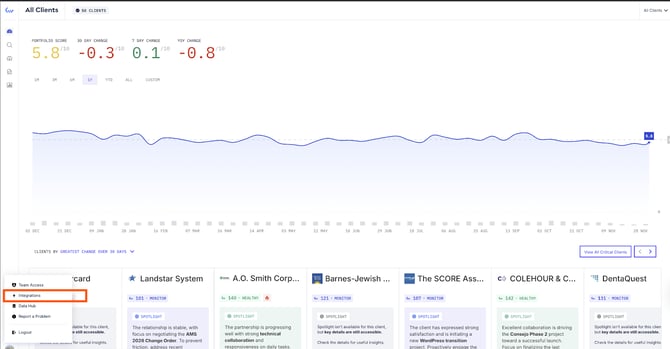
- Log in to Knownwell and navigate to the Integrations Manager by clicking your account icon in the bottom left corner and clicking “Integrations Manager.”
- Then, click “Connect” next to the “Gong” connector.
- Then click “Authorize Gong”. This will redirect you to Gong, where it will ask to connect Knownwell.

- Click “Connect”. Note: You should be redirected back to Knownwell and see the “Configuration” screen.
English
